A UV Printer 9060 is often considered by print shops that want a practical flatbed UV printer for small-batch custom products, acrylic signs, phone cases, glass, metal, wood, plaques, packaging samples, promotional gifts, and personalized items. The machine can be powerful, but the difference between a profitable UV printing workflow and a messy workflow is often the fixture system. Fixtures, jigs, product positioning, print height, and repeat job setup decide how fast the shop can move from sample to paid production.
This guide is written for buyers comparing UV Printer 9060, standard UV Printer options, and camera-assisted systems such as Visual Positioning UV Printer. The focus keyword is UV Printer 9060, but the real buyer question is broader: can the shop build a repeatable fixture workflow that protects margin on small custom jobs?
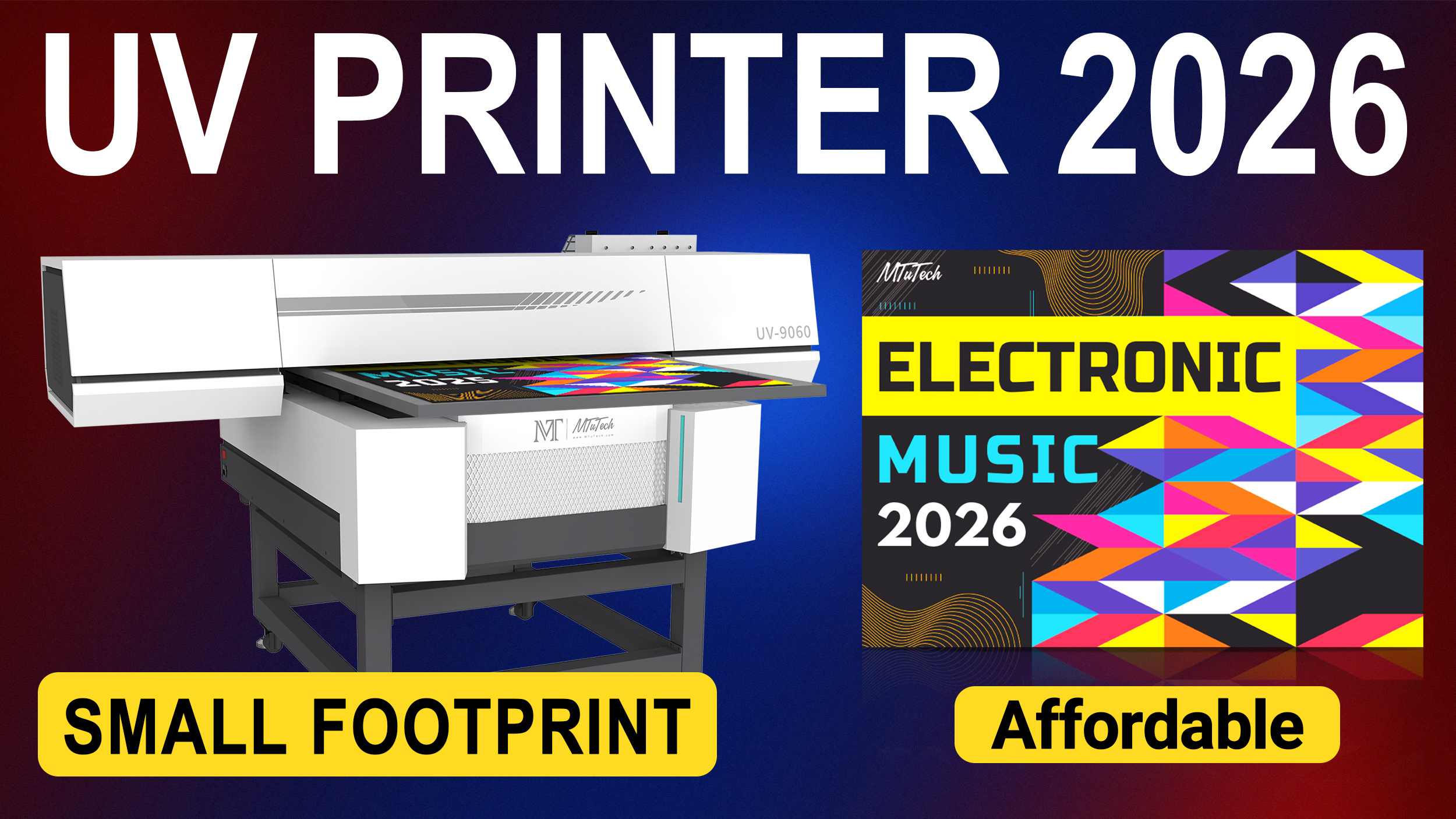
Why Fixtures Matter for UV Printer 9060 Production
Flatbed UV printing looks simple from the outside: place an item on the bed, print the design, and cure the ink. In real production, the item must sit in the same position every time, stay flat, avoid movement, maintain the right print height, and align with artwork. When a shop prints only one perfect sample, hand positioning may be enough. When it prints paid batches, fixtures become the foundation of speed and accuracy.
A fixture or jig holds products in place so the operator can load items consistently. It can be as simple as a marked template for acrylic pieces or as advanced as a custom-cut tray for phone cases, pens, plaques, or promotional blanks. The goal is to reduce setup time, prevent misprints, and make repeat orders easier.
Best Products for a UV Printer 9060 Fixture Workflow
The UV Printer 9060 size is useful for shops that handle custom products rather than huge industrial panels. It can support many popular product categories if the fixture workflow is organized. The best products are those with repeat demand, clear positioning requirements, and enough margin to justify careful setup.
- Acrylic products: signs, awards, plaques, nameplates, table signs, display pieces, and gift items.
- Phone cases and accessories: phone covers, power bank shells, gadget plates, and personalized electronics accessories.
- Metal and glass items: tags, plates, small panels, jars, bottles with flat faces, and decorative pieces.
- Wood and craft products: boxes, ornaments, coasters, home decor, and boutique retail items.
- Packaging samples: prototypes, short-run cartons, rigid sample pieces, and branded promotional packaging.
The key is to avoid promising every product before testing. Some materials need primer. Some objects have height variation. Some surfaces reflect light or resist adhesion. A professional shop creates a tested product list and then builds fixtures around the products that sell most often.
UV Printer 9060 vs Visual Positioning UV Printer
A standard UV Printer 9060 can be excellent when products are repeatable and fixtures are practical. A Visual Positioning UV Printer becomes useful when products are irregular, product placement changes often, or fixture building is too slow for short custom jobs. The choice depends on the kind of work the business wants to sell.
| Decision area | UV Printer 9060 fixture workflow | Visual positioning UV printer |
|---|---|---|
| Best job type | Repeat products with stable shape and size | Irregular products and frequent custom batches |
| Setup method | Physical jig, template, or tray | Camera-assisted product detection and alignment |
| Cost control | Strong when the same product repeats | Strong when fixture time would be expensive |
| Operator need | Good fixture discipline and artwork templates | Good camera workflow and calibration habits |
| Main risk | Slow setup for too many product shapes | Expecting camera alignment to solve poor product preparation |
If the shop prints the same acrylic sign, phone case, or plaque shape repeatedly, UV Printer 9060 fixtures can be very efficient. If the shop prints many one-off objects with unusual shapes, visual positioning may save time. Some growing shops eventually use both approaches.
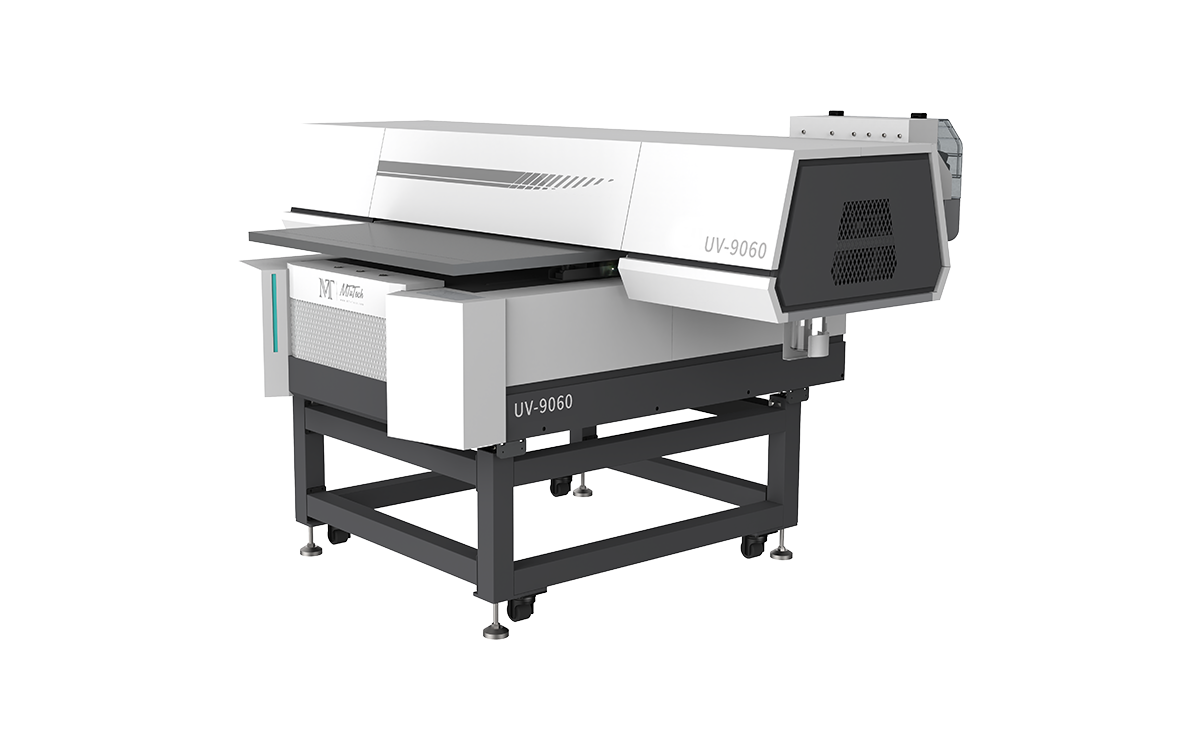
How to Build a Practical Fixture System
The fixture system should be simple enough for operators to use every day. A beautiful jig that takes too long to adjust will not help production. Start by identifying the top five product types that create the most revenue. Build repeatable templates for those products first, then expand to less common items.
Step 1: Define the Product Family
Group products by size, shape, height, and print area. For example, phone cases may need one type of fixture, acrylic signs another, and small metal tags another. Do not mix too many unrelated products in the same workflow. The more predictable the product family, the faster the operator can load and print.
Step 2: Set the Artwork Template
Each fixture should have a matching artwork template. The template should include safe zones, bleed if needed, product orientation, and print position. This prevents the operator from repositioning every file manually. It also helps the sales team quote repeat orders with confidence.
Step 3: Control Height and Surface Level
UV flatbed printing depends on correct print height. If a product is too high, uneven, or unstable, the print may blur or the printhead may be at risk. Fixtures should keep products level and secure. For mixed-height products, test carefully before offering the job commercially.
Step 4: Label and Store Fixtures
Fixtures should be labeled, stored, and connected to product notes. If a repeat order comes back after two months, the operator should be able to find the correct jig and settings quickly. This is how a small custom shop becomes more like a production business.
Sample Testing Plan Before Selling a New Product
Every new product should go through a short test before it becomes part of the public service menu. The test should cover adhesion, alignment, color, curing, scratch resistance, handling, and packing. If the product is customer-supplied, the shop should make clear that testing is required before bulk printing.
- Print one alignment sample using the planned fixture.
- Check whether the product moves during printing.
- Review print sharpness, color, and edge placement.
- Test adhesion after curing and normal handling.
- Check whether primer or surface cleaning is needed.
- Record settings, print height, fixture name, and curing notes.
This test protects both the shop and the customer. It also gives the sales team confidence when quoting future jobs.
Pricing Small-Batch UV Printing Jobs
Small-batch UV printing can be profitable, but only if pricing includes setup time. Many shops undercharge because they calculate ink and blank cost but forget artwork adjustment, fixture setup, sample printing, rejected pieces, cleaning, primer, packing, and customer communication. A one-off custom product may need more handling than a batch of 100 repeat items.
| Pricing area | What to include | Why it matters |
|---|---|---|
| Blank product | Product cost, customer-supplied risk, replacement pieces | Rejected blanks can destroy margin |
| Fixture setup | Template building, jig adjustment, test prints | Small batches are setup-heavy |
| Ink and effects | CMYK, white ink, varnish, primer if needed | Premium finishes cost more |
| Operator labor | Loading, cleaning, printing, curing, inspection | Labor is often the biggest hidden cost |
| Packing | Protection, labels, customer instructions | Printed products can scratch during handling |
White Ink, Varnish, and Primer Considerations
White ink is important when printing on dark, transparent, or colored products. Varnish can add gloss, texture, or premium highlights. Primer may be needed on certain surfaces to improve adhesion. These features can increase selling price, but they also add cost and process control. A UV Printer 9060 buyer should understand how each effect changes production time and maintenance.
For example, printing a logo on white acrylic is usually simpler than printing a full-color design with white ink and varnish on black metal. The second job may command a higher price, but it should also be quoted with more care. Shops should create pricing tiers based on simple print, white ink, varnish, primer, and special handling.
Common Fixture and Alignment Mistakes
The first mistake is using hand placement for repeat jobs. It may work once, but it creates inconsistent placement over a batch. The second mistake is ignoring product tolerances. Two products from the same supplier may not be perfectly identical, especially low-cost blanks. The third mistake is failing to save templates and settings. Without records, repeat orders become guesswork.
Another common mistake is building a fixture for a product that has not been validated commercially. If the product does not sell, the fixture time is wasted. Start with products that have demand, then build better jigs around winners.
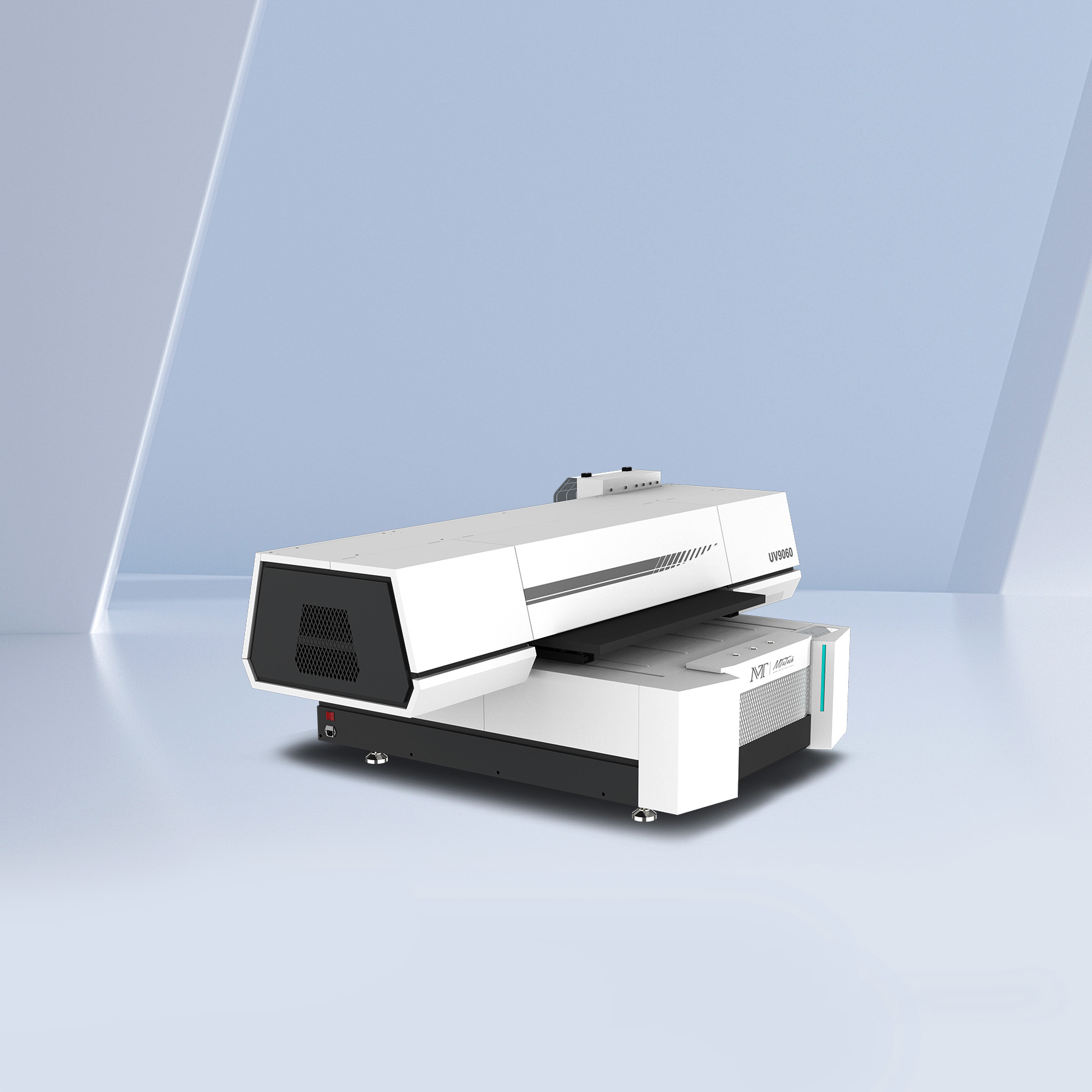
Buying Checklist for UV Printer 9060
- List the top products you want to print before choosing the machine.
- Check product size, height, surface material, and print area.
- Ask for sample prints on the real materials you plan to sell.
- Build fixture templates for repeat products first.
- Record print height, artwork template, curing, and primer notes.
- Price jobs with setup time, failed samples, labor, and packing included.
- Compare standard fixture workflow with visual positioning if many products are irregular.
FAQ: UV Printer 9060 Fixtures and Small-Batch Printing
Does every UV Printer 9060 job need a fixture?
Not every one-off sample needs a custom fixture, but repeat jobs should use a template, jig, or clear positioning system. Fixtures reduce alignment errors and make small-batch production more profitable.
Can UV Printer 9060 print phone cases and acrylic products?
Yes, phone cases and acrylic products are common flatbed UV applications when product size, height, surface preparation, and fixture setup are handled correctly.
When should I consider visual positioning instead?
Visual positioning is useful when products are irregular, when product placement changes often, or when building a fixture for every small batch would take too much time. A standard UV Printer 9060 fixture workflow is strong for repeatable product shapes.
Which MTuTech page should buyers visit next?
Start with the UV Printer 9060 page. Then compare the broader UV Printer page and the Visual Positioning UV Printer page if alignment automation matters.
Final Takeaway
A UV Printer 9060 can be a strong machine for custom product printing, but the fixture workflow decides how profitable small-batch work becomes. Buyers should think beyond machine size and print quality. The real production questions are product fit, jig setup, repeat order speed, adhesion, pricing, and operator consistency. When those pieces are handled professionally, UV Printer 9060 becomes more than a flatbed printer. It becomes a reliable custom product production system.
Commercial Service Menu for UV Printer 9060 Shops
A UV Printer 9060 becomes much easier to monetize when the shop builds a clear service menu around products that customers already want. Instead of saying “we can print on anything,” a stronger business presents specific offers: acrylic sign printing, phone case printing, promotional gift printing, custom plaque printing, glass and metal product printing, packaging sample printing, and small-batch brand merchandise.
High-Intent UV Printing Offers
- Acrylic sign and plaque printing: office signs, display pieces, awards, table signs, and retail displays.
- Phone case and accessory printing: small-batch personalized product decoration.
- Promotional gift printing: branded items for events, corporate gifts, and local businesses.
- Packaging prototype printing: short-run mockups, sample boxes, rigid packaging pieces, and brand tests.
- Glass, metal, and wood products: premium custom pieces when adhesion and surface prep are tested.
Each offer can become a future supporting post. For example, MTuTech can build content around UV printer for acrylic signs, UV printer for phone cases, UV printer for promotional products, UV printer fixture setup, and UV printer pricing. Those posts can internally link to the UV Printer 9060 page and strengthen the whole UV printer cluster.
Production SOP for Repeat UV Printer 9060 Jobs
A simple standard operating procedure is one of the best ways to reduce mistakes. The SOP should include product inspection, surface cleaning, fixture selection, artwork template, print height, ink settings, primer notes, curing notes, final inspection, and packing. When each job follows the same structure, the operator does not need to rediscover the workflow every time.
The SOP is especially valuable for repeat products. If a customer orders the same acrylic plaque or phone case design again, the shop should not rebuild the job from zero. The operator should open the saved template, pull the correct fixture, confirm print height, and run a quick quality check. This is where small-batch UV printing becomes more profitable.
Repeat Job Checklist
- Confirm the product matches the saved fixture and artwork template.
- Clean the surface and check for dust, scratches, or coating issues.
- Load products into the correct jig and verify orientation.
- Run a short alignment check before the full batch.
- Inspect curing, white ink, varnish, and edge placement.
- Record any change in material, primer, or supplier quality.
Best Next Topics for UV Printer 9060 Authority
To build more authority around small-batch UV printing, MTuTech can later add support articles on UV printer fixture design, acrylic sign printing, UV printer primer use, UV printer pricing, phone case printing, and how to reduce rejected pieces in flatbed UV production. Each article should link back to the UV Printer 9060 page and the main UV Printer category.
This fixture-focused article gives buyers a practical reason to trust the product page. It shows that MTuTech is not only describing a machine, but also explaining the workflow that helps the buyer earn from custom product printing.